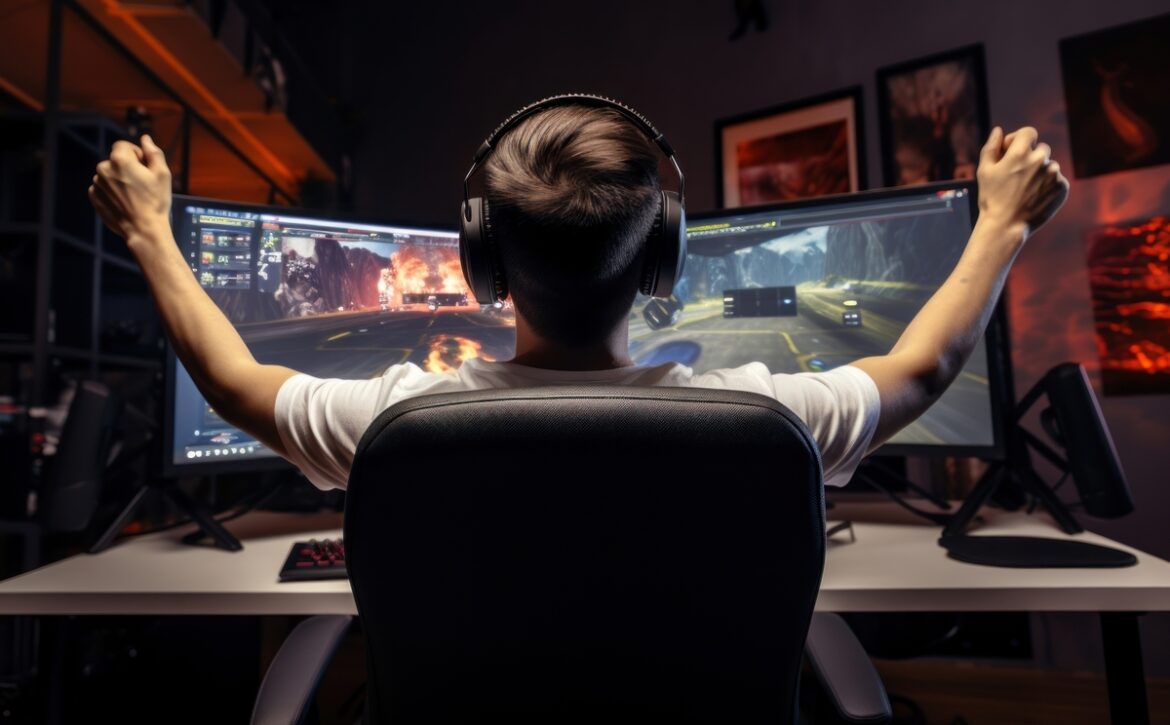
If you're a passionate gamer, you know how frustrating it can be to experience lag, FPS drops, or interminable loading times in your favorite games. Fortunately, there are ways to significantly improve your PC's performance, and one of them is... game optimizationThis process, when done correctly, can make the difference between a mediocre gaming experience and a smooth, uninterrupted one.
What is game optimization?
Game optimization involves fine-tuning your PC's hardware and software resources to achieve the best possible performance while gaming. It's not just about installing the latest drivers, but about ensuring your system is fully aligned with the demands of today's games. A well-optimized PC not only runs games faster, but also makes them look better.
Benefits of game optimization
- Higher FPS (frames per second): By improving your PC's overall performance, your FPS will increase, making the game look smoother and reducing annoying stuttering or screen lag.
- Reduced loading times: Waiting times between levels or during game start-up will be significantly reduced, giving you a faster and more efficient experience.
- Better graphic quality: With an optimized PC, you can run your games at higher graphics settings without impacting performance, allowing you to enjoy visual details that were previously impossible.
- Greater stability: Optimization prevents unexpected crashes or failures during gameplay, making your sessions more stable and uninterrupted.
Steps to optimize your PC for gaming
- Update your drivers: Make sure your graphics card and other key components have the latest drivers. This can improve compatibility and performance with the latest games.
- Adjust the game's graphics settings: Not all games require you to play on ultra settings. Sometimes, lowering the graphics a bit can significantly improve performance without sacrificing visual quality.
- Disable background programs: Some programs consume resources without you realizing it. Close anything unnecessary while playing to free up memory and processing power.
- Perform safe overclocking: If you're an experienced gamer and your PC can handle it, overclocking your CPU, GPU, or RAM can give you that extra performance boost. Be sure to do it carefully and monitor the temperatures.
- SSD or HDD optimization: If your game is installed on a traditional hard drive (HDD), consider moving it to an SSD to drastically reduce loading times.
- Keep your system clean: Make sure your PC is dust-free and well-ventilated. Overheating can limit your computer's performance, so regular maintenance is crucial.
Leave the optimization to the experts
If you're unsure how to optimize your PC or prefer not to risk making complicated changes, in BTECH & RIGS We offer game optimization services designed to get the most out of your computer. We analyze your system, adjust settings, and make the necessary improvements so you can enjoy your favorite games without interruptions or performance issues.
Conclusion
Optimizing your PC for gaming is essential if you want a smooth, high-quality gaming experience. Whether you handle the adjustments yourself or seek professional help, optimization can make a significant difference in how your games perform.
Ready to take your PC to the next level? Contact us at BTECH & RIGS and let us help you optimize your rig for a top-tier gaming experience.
 English
  Spanish